'Clean Room' Technique: Temp Mail for Software Testing
The 'Clean Room' Technique: Using Temp Mail for Secure Software Testing
Introduction: The Imperative for Isolated Testing
In the world of software development and Quality Assurance (QA), the integrity of the testing environment is as critical as the code itself. When testing features that involve external communication, such as user sign-ups, password resets, or notification systems, developers face a significant challenge: how to simulate real-world email interactions without compromising the security of their internal systems or cluttering their primary inboxes with test data.
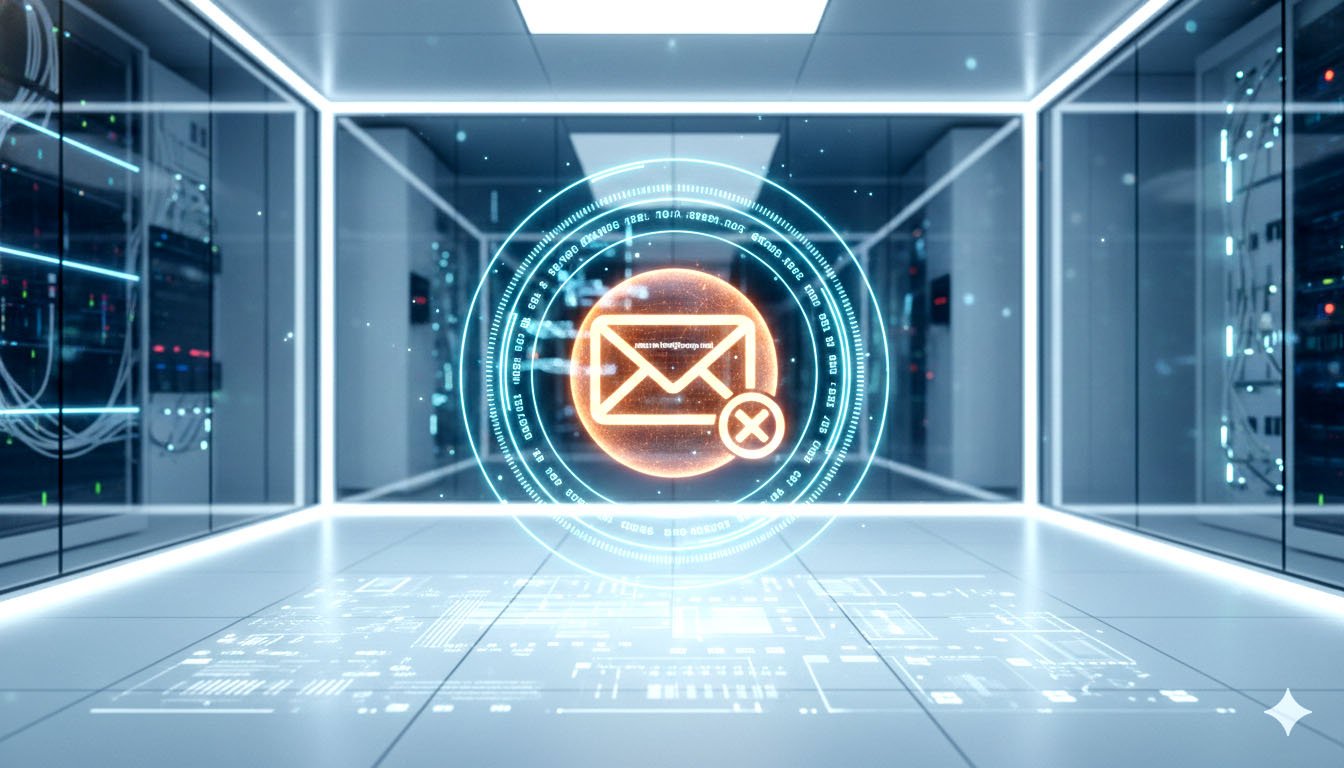
The solution lies in adopting the "Clean Room" Technique for email-dependent workflows. Traditionally a concept used in hardware and high-security software development to ensure isolation, the "Clean Room" principle, when applied to email testing, demands a completely ephemeral, isolated endpoint for all test communications.
This is where temporary email services become indispensable. They transform from a consumer privacy tool into a professional QA and security utility, providing the perfect ephemeral email clean room for secure software testing. This article provides a deep dive into this technique, detailing its necessity, implementation, and the security benefits it provides.
The Clean Room Principle in QA
The core idea of a Clean Room is isolation. In software testing, this means:
- Isolation from Production Data: Test data must never mix with live user data.
- Isolation from Test History: Each test run must start with a fresh, clean slate, free from the artifacts of previous tests.
- Isolation from External Contamination: The testing environment must be protected from external threats like spam, phishing, or tracking pixels.
A temporary email address, by its very nature of being instantly created and securely destroyed, perfectly embodies this principle, acting as a secure, self-destructing mailbox for every test case.
Part I: The Technical Necessity of the Ephemeral Clean Room
Traditional testing methods often fall short, introducing unnecessary risks and inefficiencies.
1. The Problem with Permanent Test Accounts
Using a permanent email address (e.g., qa-test-01@gmail.com) for testing introduces several critical flaws:
2. The Temporary Email Solution: Secure Isolation
A temporary email service solves these problems by providing a unique, disposable address for every single test iteration.
- Zero History: The address is created on demand, guaranteeing a clean slate for every test.
- Zero Clutter: The address is destroyed immediately after the test, ensuring no data retention.
- Zero Tracking: The ephemeral nature prevents long-term tracking and profiling, ensuring a true "first-time user" simulation.
Part II: Implementing the Clean Room Technique in QA Workflows
The most effective way to implement the Clean Room technique is through the use of a temporary email API, which allows for seamless integration into automated testing frameworks.
1. Automated User Onboarding Testing
QA teams use temporary email to rigorously test the entire user onboarding flow, from sign-up to confirmation.
Workflow Steps:
- API Call: The test script calls the Temp Mail API to generate a new, unique email address (e.g., test-session-42@tempdomain.com).
- Sign-Up: The script uses this address to register a new user on the application under test.
- Verification: The script polls the Temp Mail API to instantly retrieve the verification email.
- Activation: The script extracts the activation link from the email and completes the sign-up process.
- Secure Disposal: The script calls the Temp Mail API to securely delete the temporary inbox and all its contents.
This process can be repeated thousands of times, ensuring the onboarding flow is robust and secure under high load, without ever using a real, permanent email address.
2. Testing Sensitive Data Flows (Password Resets and 2FA)
Features like password resets and Two-Factor Authentication (2FA) are high-risk areas that require the highest level of testing isolation.
- Password Reset Test: The temporary email ensures that the password reset link is only sent to the intended, isolated recipient. If the link is compromised, the threat is contained to the ephemeral inbox, which is immediately destroyed.
- 2FA Validation: For email-based 2FA, the temporary inbox allows the script to instantly retrieve the one-time code, validate the 2FA process, and then destroy the evidence, preventing the test code from being reused or logged.
3. Simulating Malicious Input (Security Testing)
As seen in the AI Prompt Engineering context, the Clean Room is vital for security testing [1].
- Phishing Simulation: Developers can use the temporary email to simulate a phishing attack on their own system, testing how the application handles malicious inputs or attempts to exfiltrate data to an external address [2]. The temporary inbox acts as the safe drop-zone for the simulated attack.
- Data Leakage Prevention: By using the temporary email as a target, developers can confirm that their application's logging and error handling systems do not inadvertently expose sensitive internal data to external email logs.
Part III: The Strategic Benefits for Development Teams
The adoption of the Clean Room technique provides tangible benefits that go beyond simple QA.
1. Enhanced Compliance and Auditing
The secure, ephemeral nature of the temporary email clean room directly supports compliance with data protection regulations like GDPR and CCPA. By ensuring that test data is never permanently stored and is securely destroyed after use, teams can easily demonstrate Privacy by Design and secure data handling during audits [3].
2. Improved Team Collaboration
Development and QA teams can share test environments without sharing sensitive login credentials or cluttering shared inboxes. Each team member can generate their own unique, disposable email for their specific test, ensuring true isolation and preventing cross-contamination of test results.
3. Cost and Resource Efficiency
Maintaining permanent test infrastructure, including dedicated email servers and accounts, is costly and resource-intensive. Temporary email services eliminate this overhead, offering a pay-as-you-go or free model that scales instantly with the testing demand.
Valuable FAQ: Clean Room Testing with Temp Mail
Q1: Is the "Clean Room" technique only for large enterprise software?
A: No. While the term originated in high-security environments, the principle of using an ephemeral, isolated endpoint is crucial for any software, regardless of size, that handles user data or sends external communications. It is a best practice for security and efficiency.
Q2: How does a temporary email ensure the data is "securely destroyed"?
A: Reputable temporary email services, like TempMailMaster.io, employ a secure overwrite protocol upon expiration or manual deletion. This ensures that the data is not simply marked for deletion but is cryptographically overwritten, making it unrecoverable and satisfying the requirements of a true "Clean Room" environment [4].
Q3: Can I use the same temporary email address for multiple tests?
A: While technically possible, it is strongly discouraged for true Clean Room testing. The core principle is isolation. Using the same address for multiple tests introduces history and potential contamination. Best practice is to generate a new, unique temporary email address for every single test case.
Q4: Does using a temporary email affect the deliverability test results?
A: No, it improves them. By using a fresh, uncompromised domain for each test, you eliminate the variable of a permanent test account's poor reputation. This allows you to accurately test the deliverability of your application's emails based purely on your server's configuration (SPF, DKIM, DMARC) and the content of the email itself [5].
Q5: What if I need to keep the test email for a long time?
A: If you need to retain a test email for long-term debugging or auditing, a temporary email is not the right tool. The purpose of the Clean Room is ephemerality. For long-term retention, you should use a dedicated, secure, and permanent test account that is not exposed to the public internet.
References
[1] TempMailMaster.io Blog. (2025). The AI Prompt Engineer's Secret Weapon: Disposable Emails for Testing LLM APIs. [Internal Link: /blog/ai-prompt-engineer] [2] TempMailMaster.io Blog. (2025). The Developer's Dilemma: Measuring API Key Exposure in Webhook Testing. [Internal Link: /blog/developer-dilemma] [3] EDPB. (2025). AI Privacy Risks & Mitigations – Large Language Models (LLMs). [Source Link: https://www.edpb.europa.eu/system/files/2025-04/ai-privacy-risks-and-mitigations-in-llms.pdf] [4] TempMailMaster.io Blog. (2025). The Security Audit: What Happens to Your Data When a Temp Mail Expires?. [Internal Link: /blog/security-audit] [5] TempMailMaster.io Blog. (2025). Using Temp Mail to Test Your Own Email Marketing Funnel for Spam Filters. [Internal Link: /blog/marketing-funnel-test] [6] Mailsac. (n.d.). Disposable Email Testing Platform. [Source Link: https://mailsac.com/] [7] Mail7.app. (2025). Free Temporary Email Solutions. [Source Link: https://mail7.app/blog/free-temporary-email-solutions]
Written by Arslan – a digital privacy advocate and tech writer/Author focused on helping users take control of their inbox and online security with simple, effective strategies.