QR Code Quishing Defense: Scanning Safely in 2026
The QR Code Quishing Defense: A Step-by-Step Guide to Scanning Safely in 2026
Introduction: The Silent Threat in the Square
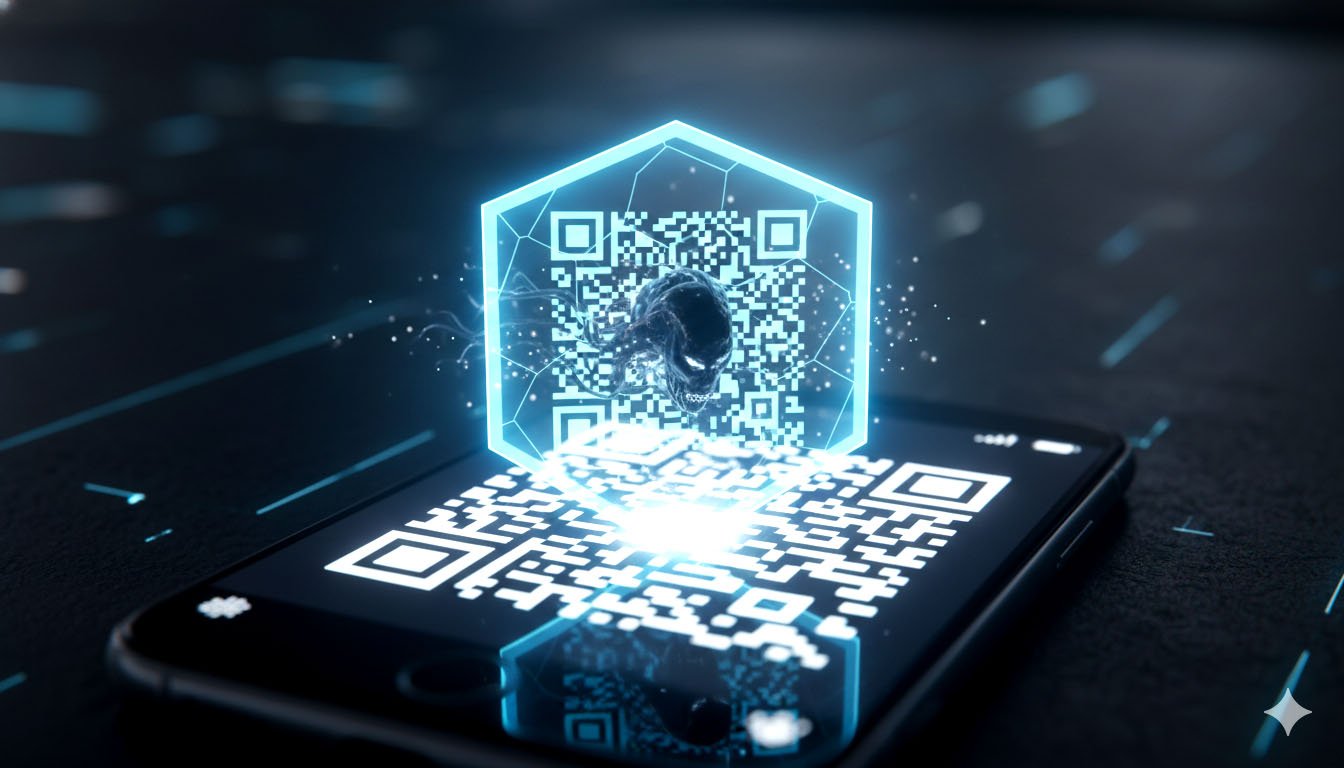
The QR code, once a simple marketing tool, has evolved into a ubiquitous part of modern life. From restaurant menus and public transport tickets to payment portals and Wi-Fi sign-ups, these black-and-white squares are everywhere. Unfortunately, their convenience has made them a prime target for a sophisticated new form of cyberattack: Quishing (QR code phishing).
Quishing exploits the user's trust and the fact that most security software cannot "read" a QR code until it is scanned. This attack vector is rapidly growing, with some reports indicating that in late 2024, QR codes were the primary lure in a significant percentage of email phishing attacks [1].
This guide provides a comprehensive, step-by-step defense strategy for scanning safely in 2026. Crucially, we will demonstrate how adopting a disposable email strategy is the most effective way to neutralize the threat of Quishing, turning a potential vulnerability into a secure, isolated interaction.
The Anatomy of a Quishing Attack
Quishing is a social engineering attack that uses a QR code to redirect a victim to a malicious website, often disguised as a legitimate login page (e.g., a bank, a payment service, or a corporate portal).
The most dangerous form of Quishing is the one that targets your email credentials, as this can lead to a complete account takeover.
Part I: The Quishing Threat Landscape in 2026
The evolution of Quishing is driven by two key factors: the increasing sophistication of the codes themselves and the growing reliance on QR codes for high-value transactions.
1. Split and Nested QR Codes
Attackers are now employing advanced techniques to make their malicious codes even harder to detect:
- Split QR Codes: The malicious payload is split across two or more codes, requiring the victim to scan them in sequence. This complexity makes it difficult for automated scanners to reconstruct the full, malicious URL.
- Nested (QR-in-QR) Codes: A legitimate-looking QR code is embedded within a larger, seemingly benign one. The first scan leads to a safe landing page, which then prompts the user to scan the inner code, which contains the actual malicious link. This multi-stage approach is designed to evade initial security checks [2].
2. The MFA Bypass Vector
Quishing is increasingly being used to bypass Multi-Factor Authentication (MFA).
- The Attack: An attacker sends a Quishing email to a corporate user, often disguised as a "re-verify your account" prompt. The QR code leads to a fake login page that acts as an Adversary-in-the-Middle (AiTM) proxy. When the user enters their credentials and the MFA code, the AiTM site captures them and immediately uses them to log into the real service.
- The Vulnerability: The user is tricked into providing the MFA code to the attacker's proxy, believing they are logging into the legitimate service. This is a critical threat to corporate and personal accounts.
Part II: The Disposable Email as a Quishing Buffer
The most effective defense against Quishing is to introduce a security buffer between the malicious code and your permanent digital identity. This is where the disposable email becomes an indispensable tool.
1. The Isolation Principle: Stopping the Email-to-Credential Chain
Most Quishing attacks are designed to steal the credentials for the email account itself, or for services linked to that email.
- Scenario: A Quishing email arrives in your inbox, claiming to be from a service you use, and asks you to scan a QR code to "update your payment details."
- The Disposable Defense: If you have used a unique, disposable email address for that service, the malicious QR code will lead to a fake login page for an account that is not linked to your real identity. Even if you fall for the scam and enter credentials, the attacker gains access to a temporary, non-attributable email address that is a dead end. Your primary email and all sensitive accounts remain secure.
2. The "Clean Scan" Protocol for Public QR Codes
Publicly placed QR codes (e.g., on posters, in cafes, on public Wi-Fi portals) are a growing source of Quishing.
- The Risk: Scanning a malicious public QR code can instantly redirect your phone's browser to a malware download site or a credential-harvesting page.
- The Disposable Solution: For any public QR code that requires an email for access (e.g., "Scan to get a free e-book," "Scan to join our Wi-Fi"), always use a disposable email address. This prevents the attacker from collecting a valid, permanent email address linked to your location and device. If the code is malicious and leads to a data-harvesting form, the data you provide is worthless to the attacker.
3. The "Burner" Mindset for Unknown Senders
The core of Quishing is tricking the user into scanning a code from an untrusted source.
- The Rule: If a QR code arrives in an email from a sender you do not recognize, or if the email is unexpected, treat it as highly suspicious.
- The Buffer: If you must interact with the code (e.g., for research or to confirm a suspicion), use a disposable email as a buffer. Forward the email to a disposable address, and then scan the code from a device that is not logged into any critical accounts. This is the digital equivalent of using a "burner" phone for a suspicious call.
Part III: A Step-by-Step Quishing Defense Guide for 2026
To stay safe from the evolving Quishing threat, follow this four-step protocol for every QR code interaction:
Step 1: The Physical and Digital Inspection
Before you scan, inspect the code and its context.
- Physical Check: If the code is physical (e.g., on a sign), check for signs of tampering. Is a sticker placed over the original code? Is the paper quality different? Malicious codes are often overlaid on legitimate ones.
- Digital Check (Email): If the code is in an email, hover over the sender's address. Does it match the domain of the service it claims to be from? Remember that Quishing is designed to bypass URL-hover checks, so the QR code itself is the threat.
- The "Sense Check": Does the request make sense? Your bank will not ask you to scan a QR code in an email to log in. If the request is unusual, the code is likely malicious.
Step 2: The Scanning Environment Isolation
Never scan a suspicious QR code with your primary device while logged into sensitive accounts.
- Use a Dedicated Scanner App: Avoid using your phone's default camera app, as it immediately opens the link. Use a dedicated QR code scanner app that displays the destination URL before navigating to it.
- The Disposable Email Buffer: If the code is from an unknown source, forward the email to a disposable email address. This isolates the interaction from your main inbox.
Step 3: The Disposable Email Credential Test
If the scanned code leads to a login page, this is the most critical defense step.
- The Test: If the page asks for an email and password, do not enter your real credentials. Instead, enter the disposable email address you used for that service (or a random, non-existent one).
- The Outcome:
- If the site accepts the fake credentials: It is a phishing site designed to harvest data. Do not proceed.
- If the site rejects the fake credentials: It might be a legitimate site, but the initial email was still suspicious. Proceed with extreme caution, or abandon the interaction.
Step 4: Reporting and Burning
Your final step is to neutralize the threat and secure your digital perimeter.
- Report: Report the malicious email or physical code to the relevant authorities (e.g., your IT department, the Anti-Phishing Working Group, or the location where the physical code was found).
- Burn the Address: If you used a disposable email for the interaction, simply let it expire or manually "burn" it. This ensures that the attacker's data (the fake credentials and the disposable email) is permanently removed from your digital life, preventing any follow-up attacks.
Valuable FAQ: Quishing and Disposable Email
Q1: Can a QR code install malware directly onto my phone?
A: Yes, but it is rare and usually requires a vulnerability in your phone's operating system. More commonly, the QR code links to a website that attempts to trick you into downloading a malicious app or file. The primary threat is still credential theft, but the risk of malware is real, which is why isolating the scanning environment (Step 2) is crucial.
Q2: Why are email filters not catching Quishing emails?
A: Traditional email filters are highly effective at analyzing text and URLs. Quishing works because the malicious URL is hidden inside an image (the QR code). The filter sees a benign image, not a malicious link. This is why the human element of inspection and the use of a disposable email buffer are essential defenses.
Q3: Should I use a disposable email for all my online purchases?
A: For one-time purchases or purchases from a new, untrusted vendor, yes. Using a disposable email prevents the vendor from spamming you and isolates your purchase history from your main identity. For high-value or recurring services (like Amazon or Netflix), use a dedicated, secure, non-Google email (your Burner Alias) with strong 2FA, as you need a reliable address for receipts and account recovery.
Q4: How does Quishing relate to the Metaverse?
A: As the Metaverse evolves, QR codes are increasingly used for linking real-world actions to digital assets (e.g., scanning a code on a physical ticket to claim an NFT). This creates a new, high-value target for Quishing. An attacker could use a Quishing code to steal the credentials for the email linked to your Web3 wallet, which is why the disposable email defense is critical for Web3 security [5].
Q5: What is the difference between Quishing and Vishing?
A: Quishing (QR code phishing) uses a QR code to lure the victim. Vishing (Voice phishing) uses a phone call or voice message to trick the victim. Both are forms of social engineering, but Quishing is a newer, more technologically evasive method that bypasses traditional email security measures.
Conclusion: The Future of Safe Scanning
The rise of Quishing is a clear indicator that cyber threats are constantly adapting to bypass security perimeters. The convenience of the QR code is now its greatest vulnerability.
By adopting a proactive, multi-layered defense strategy—one that combines physical and digital inspection with the strategic use of a disposable email buffer—you can neutralize the Quishing threat. The disposable email is your digital shield, ensuring that even if you scan a malicious code, the attacker is left with a dead-end address, and your real digital identity remains secure. Safe scanning in 2026 requires vigilance, and the disposable email is your most powerful tool for maintaining that vigilance.
References
[1] Hunto.ai Blog. (2026). 60+ Phishing Attack Statistics: Insights for 2026. [Source Link: https://hunto.ai/blog/phishing-attack-statistics/] [2] Barracuda Blog. (2025). Threat Spotlight: Split and nested QR codes fuel new Quishing attacks. [Source Link: https://blog.barracuda.com/2025/08/20/threat-spotlight-split-nested-qr-codes-quishing-attacks] [3] Integris IT. (2025). Email Phishing Scams and AI Threats in 2026. [Source Link: https://integrisit.com/email-phishing-scams-2026/] [4] Cloudflare. (n.d.). What is quishing?. [Source Link: https://www.cloudflare.com/learning/security/what-is-quishing/] [5] TempMailMaster.io Blog. (2025). The Metaverse Identity: Why Your Web3 Wallet Needs a Disposable Email Backup. [Internal Link: /blog/web3-wallet-backup] [6] Checkpoint. (n.d.). What Is Quishing (QR Phishing)?. [Source Link: https://www.checkpoint.com/cyber-hub/threat-prevention/what-is-phishing/what-is-quishing-qr-phishing/] [7] Abnormal.ai. (n.d.). The Rise of QR Code Phishing Attacks. [Source Link: https://abnormal.ai/blog/qr-code-phishing-attacks-quishing]
Written by Arslan – a digital privacy advocate and tech writer/Author focused on helping users take control of their inbox and online security with simple, effective strategies.