How to Protect Your Child's Email Privacy Online: A Parent's Practical Guide
My nephew is eleven. Last year he wanted to sign up for an online game. The sign-up form asked for an email address, a date of birth, and a username.
He typed in his real email — the one his school had set up for him — and entered his actual birthday. Within a week, that email was receiving promotional messages from three companies that had nothing to do with the game. Within a month, it was getting phishing attempts designed to look like game notifications.
He hadn't done anything wrong. He'd filled out a sign-up form. And the system had done exactly what it was designed to do with a child's personal information.
This guide is for parents who want to understand what's actually happening — and what practically works to protect their children online.
Why Children's Email Privacy Is a Bigger Problem in 2026
Children's online privacy has become the most actively regulated area of digital law worldwide in 2026. The reason: regulators have realized that children are among the most vulnerable targets of data collection, and that the consequences follow them for years.
Here's what makes children's email data particularly valuable to commercial interests:
Long-term profile building. A child who signs up for something at age ten will have their email address in circulation for decades. Marketers and data brokers prize young demographic data because the profile has a long commercial lifespan.
Lower awareness of consent. Children click "I agree" without reading privacy policies. They enter real information without understanding the implications. They share their email freely because signing up for a game feels harmless.
Cross-platform tracking. A child's email address from one game gets sold to another platform. That platform sells it further. By the time the child is a teenager, their early-childhood online activity has generated a substantial profile in commercial databases.
Phishing vulnerability. Children are less equipped to recognize phishing emails. A convincing-looking message claiming their game account has a problem, asking them to click and log in, is more likely to succeed against a child than a privacy-aware adult.
What the Law Says (And What It Doesn't Protect)
Several major laws attempt to regulate children's data collection:
COPPA (Children's Online Privacy Protection Act — USA) requires websites to obtain verifiable parental consent before collecting personal information from children under 13. Companies violating COPPA face significant FTC penalties.
GDPR (EU) sets the age of digital consent at 16 in most member states (though countries can lower this to 13). Platforms must obtain parental consent for younger users.
Children's Online Safety Laws (UK, Australia, Canada) are expanding rapidly. The UK's Age Appropriate Design Code requires platforms to apply the highest privacy settings by default for children.
The important caveat: These laws primarily cover platforms that knowingly collect children's data. Many platforms don't verify age at all — they simply ask users to self-report a date of birth. A child who enters a false age to meet a minimum requirement has technically voided the platform's legal obligation to protect their data as a child.
This age verification gap is where most children's data privacy problems actually occur in practice. The law doesn't protect what it can't detect.
Common Situations Where Your Child's Email Gets Compromised
Understanding the specific scenarios helps you address the right ones:
Gaming Platforms and In-Game Communities
Most online games require email registration. Many share that data with advertising partners or analytics companies. The game's privacy policy — which no eleven-year-old reads — often permits extensive data sharing.
YouTube and Content Creator Communities
Fan communities, Discord servers for gaming channels, and creator fan sites frequently require email registration. These smaller platforms often have minimal data protection practices.
Educational Apps and Homework Tools
Ironically, many educational technology platforms have poor data practices. A school-assigned tool may share student data with third-party analytics companies in ways that would concern parents if they knew.
Free Game Downloads and Mobile Apps
"Free" mobile games and apps are typically monetized through advertising. They collect device identifiers, usage patterns, and often email addresses — which get added to advertising ecosystems.
Online Competitions and Giveaways
Children's content giveaways — free game skins, digital prizes, early access to games — are frequently data collection operations. The "prize" is the mechanism for acquiring the child's (or parent's) email address.
The Temp Email Solution for Children's Accounts
Here's the practical approach that works for most situations:
For accounts that need an email but not a persistent one:
A disposable email from TempMailMaster.io serves the sign-up requirement without handing over a real address that can be sold, breached, or phished against.
Your child signs up for a game. You generate a temp email together. The verification link arrives, they click it, the account is created. The temp inbox expires. Future marketing and phishing attempts go to an address that no longer exists.
When this works well:
- One-off game trials your child wants to try before committing
- Fan community sign-ups for channels or games they're interested in exploring
- Free app sign-ups where the email is just a formality
- Educational platforms your school hasn't officially sanctioned
When to use a real (parent-managed) email instead:
- Accounts your child will genuinely use long-term
- Platforms where account recovery matters (if they forget the password)
- Official school-assigned platforms
- Any account where purchase history or payment information is attached
Setting Up a Safe Email System for Your Child: Step by Step
Rather than fighting against every sign-up request, a structured approach gives your child privacy while teaching them good digital habits.
Step 1: Create a Parent-Monitored Email Address for Legitimate Accounts
Set up a dedicated email address specifically for your child's online accounts — one you have access to. This should be used for accounts that genuinely matter: school platforms, accounts that require parental consent, and services you've explicitly approved.
A practical format: familyname.childname.accounts@gmail.com or similar. Something that's clearly a child's account email, that you can monitor, and that isn't used for anything else.
Step 2: Introduce Temp Email for Everything Else
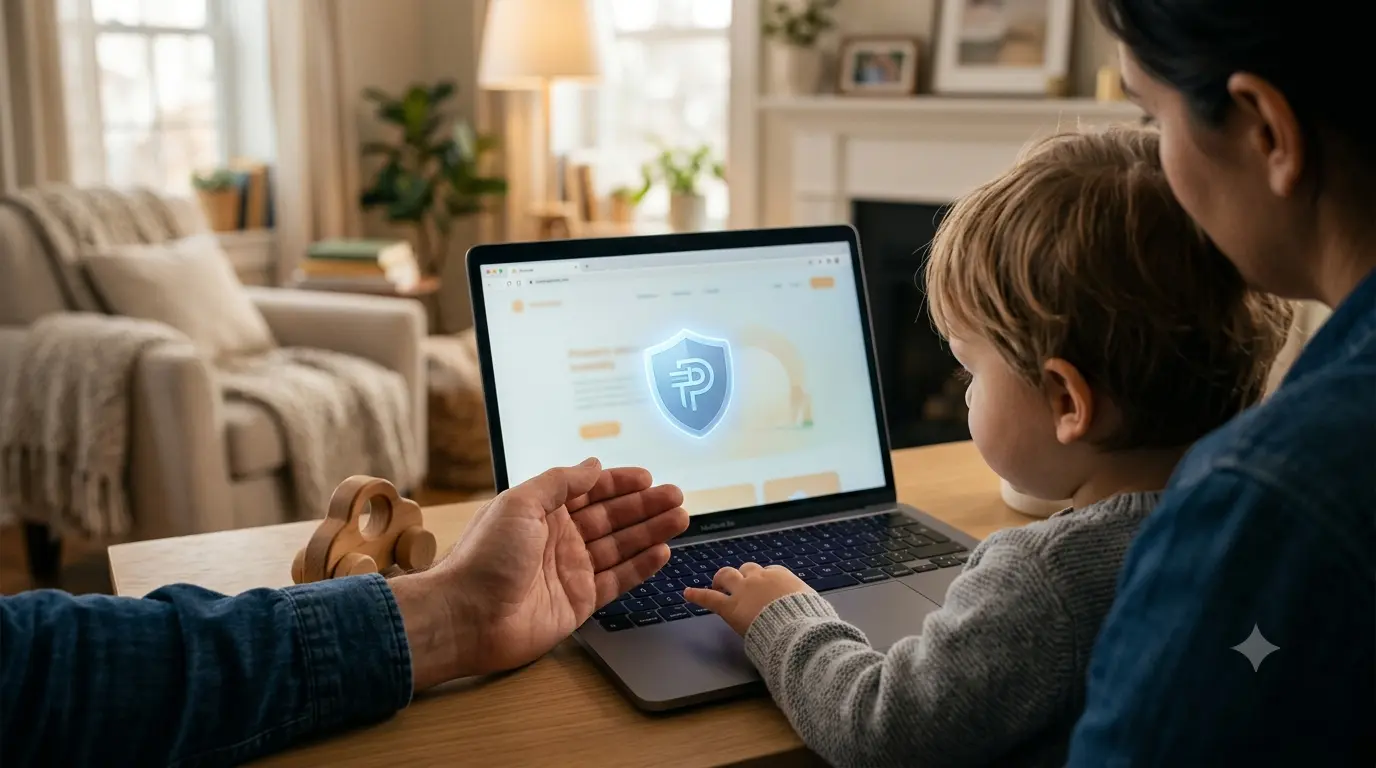
Sit with your child and show them how TempMailMaster.io works. Explain it plainly: "For games and apps you want to try out, we use this instead of our real email. It works for signing up, but it doesn't give away our real information."
Most children grasp this immediately — the concept of a "throwaway" address makes intuitive sense to them.
Step 3: Establish a Simple Decision Rule
Before any sign-up, the question is: "Is this something we're definitely going to keep using?"
If yes → parent-monitored real email. If unsure or no → temp email from TempMailMaster.io.
This one rule, applied consistently, handles the vast majority of situations.
Step 4: Review What Your Child Is Signing Up For
Make it a habit to briefly check what service your child is creating an account on before the sign-up happens. This doesn't need to be intensive — just enough to know whether it's something you recognize and sanction.
Step 5: Teach Them to Recognize Phishing
Once your child is old enough (roughly age 10–11), basic phishing recognition is an appropriate skill. Key points:
- Legitimate services don't ask for your password via email
- Urgent warnings about your account being suspended or banned are almost always fake
- When in doubt, don't click — come and ask a parent first
A Case Study: Six Months of Monitoring a Child's Online Accounts
A parent I spoke with tracked their 12-year-old's online activity for six months after becoming concerned about spam arriving at their child's email address.
Starting situation: the child had used their real school email to sign up for approximately 14 different gaming, content, and community platforms over the previous year.
After six months of monitoring with parental access to the account:
- The email had received promotional messages from 31 different companies, only 3 of which were platforms the child had directly signed up for
- Two phishing attempts had landed in the inbox, disguised as game notifications
- One email had arrived from a data broker offering to "verify" the account — a data harvesting attempt
After switching to a temp-email-first approach for new sign-ups:
- No new promotional email from gaming/community platforms reached the main account
- The child's real email remained clean for school and family communications
The parent's assessment: "I wish I'd known about this from the beginning. The accounts that mattered still work fine. Everything else just — stopped."
What Schools Don't Tell Parents About Educational Technology
This section is worth its own article, but the short version:
Many edtech platforms used in schools share student data with third-party analytics companies. The data collected often includes names, email addresses, academic performance, and behavioral data. Under FERPA (USA), schools have legal obligations around student data — but enforcement is inconsistent, and the definition of what third parties can do with the data varies.
If you want to know what data a specific edtech platform collects from your child, you have the right to request this information from your school under FERPA. Most parents never exercise this right because they don't know it exists.
For platforms your school has officially assigned, the data protection responsibility sits with the school. For platforms your child has signed up for independently, a parent-monitored email or temp email approach is your primary protection.
FAQ
At what age can my child have their own real email account? Most major providers (Gmail, Outlook) have minimum age requirements of 13. Below that, supervised family accounts or parent-monitored dedicated addresses are the appropriate approach. Above 13, a dedicated accounts email combined with temp email for non-essential sign-ups is a reasonable setup.
Is it okay to let my child use a temp email without supervision? For older children and teenagers who understand what it is, yes — unsupervised use is appropriate. For younger children, it's worth supervising the first few times to ensure they understand the concept correctly before using it independently.
What if a platform requires a "parent's email" for verification? Use your own real email for the parental verification step. The child's account itself can then be linked to a separate monitored address. This is the intended design for most child-oriented platforms under COPPA.
My child's school email is receiving spam. What should I do? Report it to your child's school IT department — they manage that email domain. Also check that your child hasn't used the school email address to sign up for non-school services, which often violates school IT policies and is the primary source of school email spam.
Does using a temp email protect my child from online predators? Temp email addresses the email privacy problem specifically. Online safety broadly — including interaction with strangers — requires separate conversations about not sharing personal information, recognizing inappropriate contact, and coming to a trusted adult with concerns. Privacy tools are one layer; parental conversation is another.
References
- FTC — COPPA compliance guide https://www.ftc.gov/business-guidance/resources/complying-coppa-frequently-asked-questions
- ICO — Children's Code (UK) https://ico.org.uk/for-organisations/childrens-code-hub/
- GDPR.eu — Age of consent across EU member states https://gdpr.eu/gdpr-consent/
- EFF — Student privacy guide https://www.eff.org/issues/student-privacy
- Common Sense Media — Privacy ratings for children's apps https://www.commonsensemedia.org/privacy-research
- FERPA — Family Educational Rights and Privacy Act https://studentprivacy.ed.gov/ferpa
- CISA — Cybersecurity for kids and families https://www.cisa.gov/cybersecurity-awareness-month
- Internet Matters — Children's online privacy guide https://www.internetmatters.org/
- Pew Research — Teens, social media, and privacy https://www.pewresearch.org/internet/
- ENISA — Children's online safety guidelines https://www.enisa.europa.eu/topics/cybersecurity-education
Published: June 2026 | Author: Arslan | Category: Family Privacy & Online Safety